
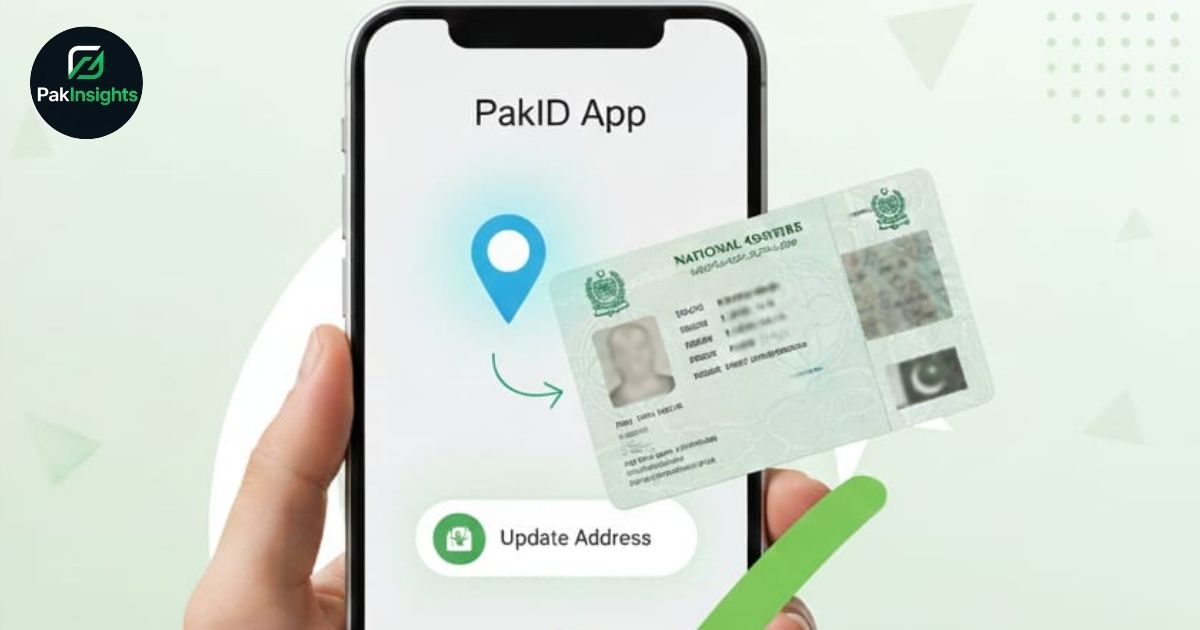
Updating your CNIC address has never been easier thanks to the PakID app, a digital solution provided by NADRA to streamline identity management. Whether you’ve recently moved to a new city or simply need to correct your address, the PakID mobile application allows citizens to complete the process quickly, securely, and without visiting a NADRA Registration Centre in person. Understanding how to update your CNIC address ensures compliance with legal requirements and avoids potential issues in official documentation.
Why Updating Your CNIC Address Matters
A correct CNIC address is essential for various legal and administrative purposes. From voting eligibility to receiving government notifications and applying for services such as an online passport application, your current address must be accurate. Failure to update address details can lead to delays in services, identity verification problems, and other bureaucratic challenges. According to NADRA guidelines 2025, all citizens are encouraged to maintain updated records to streamline public service delivery.
Step-by-Step Guide to Updating Your CNIC Address via PakID App
- Download and register on the PakID App: The app is available on Android and iOS. Register with your CNIC number and set up a secure profile.
- Prepare Required Documents: Acceptable proofs of address include electricity, gas, or water bills, domicile certificates, property documents, tenancy agreements, or society allotment letters.
- Submit Application via PakID App: Navigate to the address update section and upload scanned copies of your documents. Confirm your identity digitally through fingerprint confirmation or facial recognition verification.
- Verification Process: The app uses biometric verification to authenticate users. Once submitted, NADRA reviews the documents and updates the CNIC address. Citizens receive notifications once the process is complete.
This method also integrates with other services, like updating your passport tracking ID during online passport applications, making PakID a versatile tool for all identity-related services.
Tips and Troubleshooting
- Ensure all documents are valid and match your CNIC information.
- Use the facial recognition feature if fingerprint confirmation fails.
- For any technical issues, NADRA’s support team can assist via the app or website.
By following these steps, you can easily maintain accurate CNIC records, save time, and enjoy seamless access to online CNIC services.
Meta Description
Learn how to update your CNIC address easily using the PakID app with proof of address, biometric verification, and online submission.