
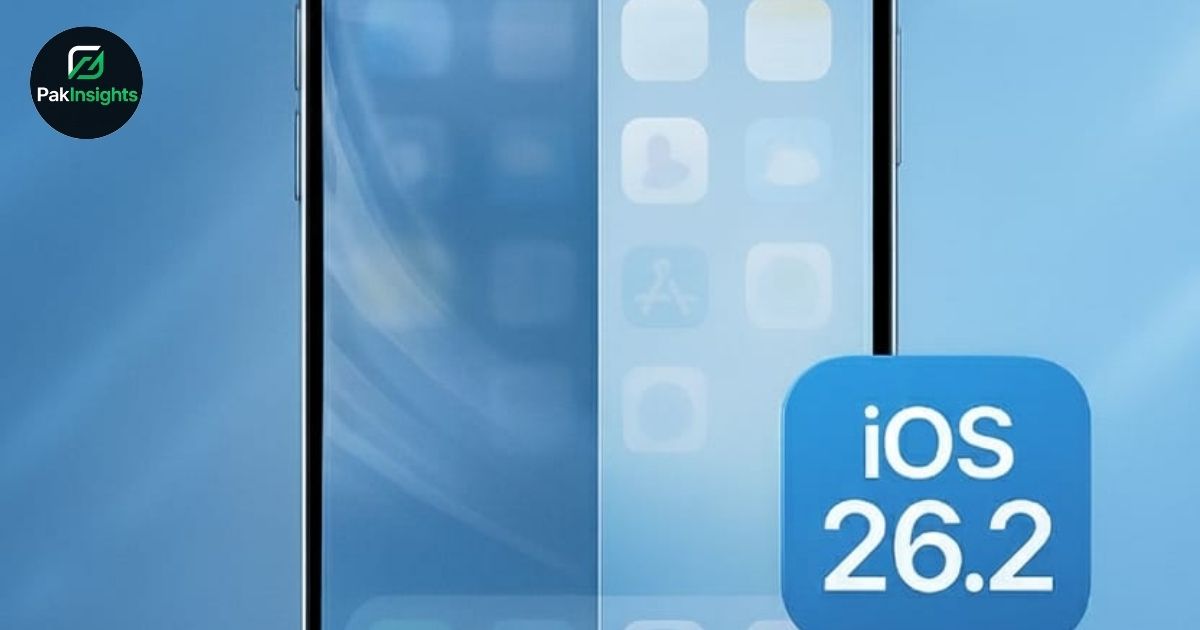
Apple Releases iOS 26.2 to Resolve ‘Liquid Glass’ Transparency Glitch, improving user experience and device readability. This Apple update targets the controversial Liquid Glass design, which made semi-transparent buttons and notifications hard to read on iPhone and iPad screens. Users can now adjust Lock Screen opacity using new opacity sliders, making text and interface elements clearer.
The Liquid Glass design, introduced with iOS 26, mimics optical glass to enhance visuals and prepare for AI smart glasses. However, many users reported transparency issues, and Apple responded with this iPhone software update to manage opaqueness effectively. Interaction design experts, including Stephen Lemay, have refined the user experience, ensuring functional updates improve usability without compromising aesthetics.
iOS 26.2 also brings multiple app-specific enhancements. AirDrop codes now allow sharing files with non-contacts for 30 days, ideal for workplace file sharing. Reminders alarms improve task tracking, Apple News adds a Following tab, Apple Music introduces offline lyrics, and Podcasts supports AI-generated chapters and linked shows. These updates make daily interactions smoother and more efficient across Apple devices.
Additionally, Apple Watch users gain Sleep Score functionality for sleep quality tracking and goal management. Importantly, Apple patched critical vulnerabilities through security updates across iPhone, iPad, Mac, and Apple Watch, protecting devices from active hacking campaigns.
Overall, this iOS 26.2 update demonstrates Apple’s commitment to improving device readability, refining interaction design, and enhancing user experience. Users can now enjoy clearer visuals, safer devices, and more functional apps.
Meta Description:
Apple releases iOS 26.2 to resolve ‘Liquid Glass’ transparency glitch and improve Lock Screen opacity on iPhone, iPad, and Apple Watch.